Start at the top
Check the title area, active tab, time cue, and any small label before reading large art.
Screen reading order
Big Mumbai style panels use movement, gold highlights, sports imagery, and table visuals to pull attention. Slow the view down with a simple order.
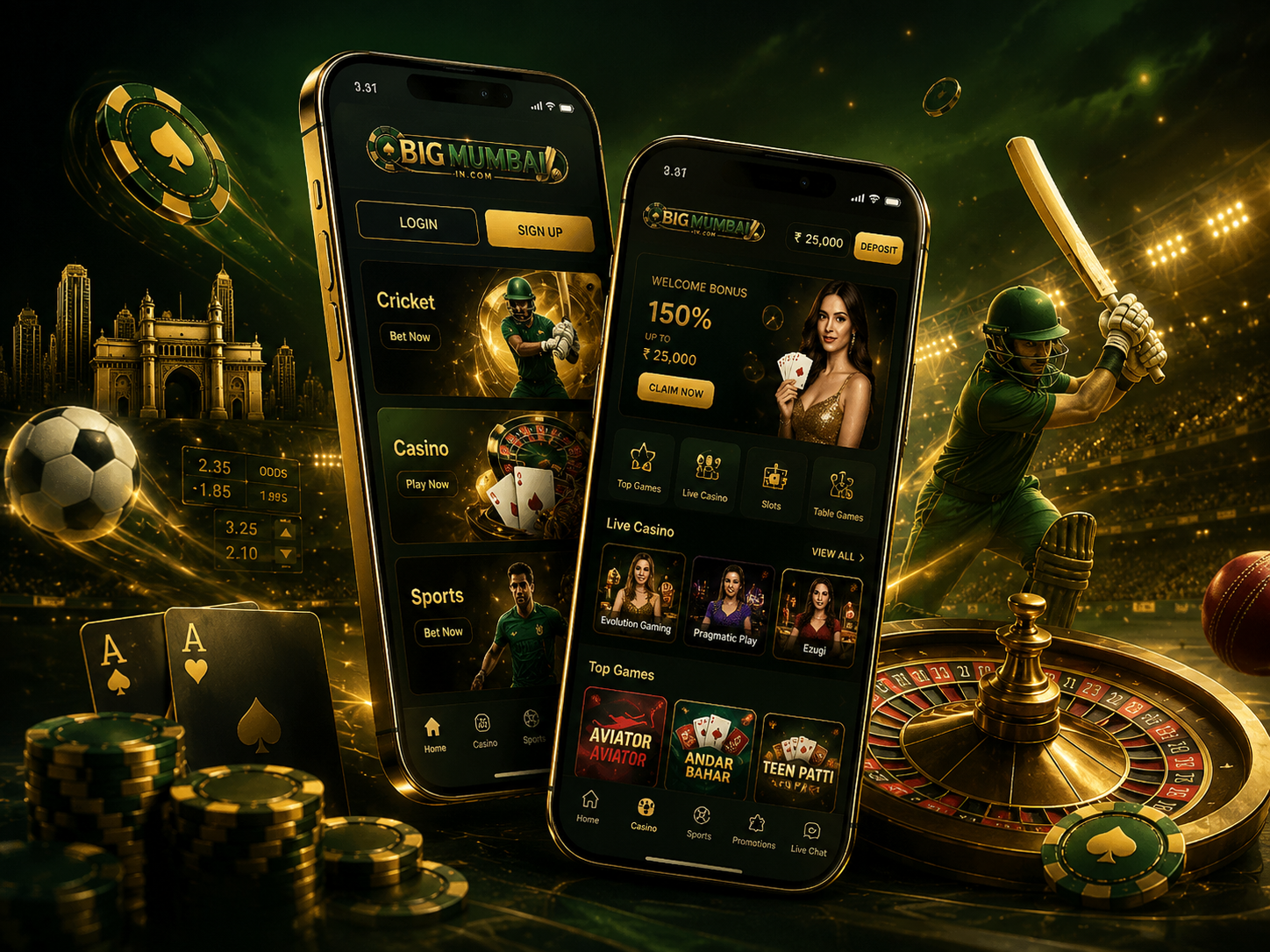
Check the title area, active tab, time cue, and any small label before reading large art.
Room name, icon, image, and prompt should tell the same story. If they do not, pause.
Moving numbers, timers, and flashing highlights are attention cues, not outcome signals.
Do not share private or financial details through unclear panels or unknown messages.
Before any tap, ask whether you understand the room, the next action, the timing, and the risk. If one answer is unclear, step away and read again.
One clear label is safer than three mixed signals.
A prompt should say exactly what happens next.
Any request for sensitive details deserves extra care.